Introduction
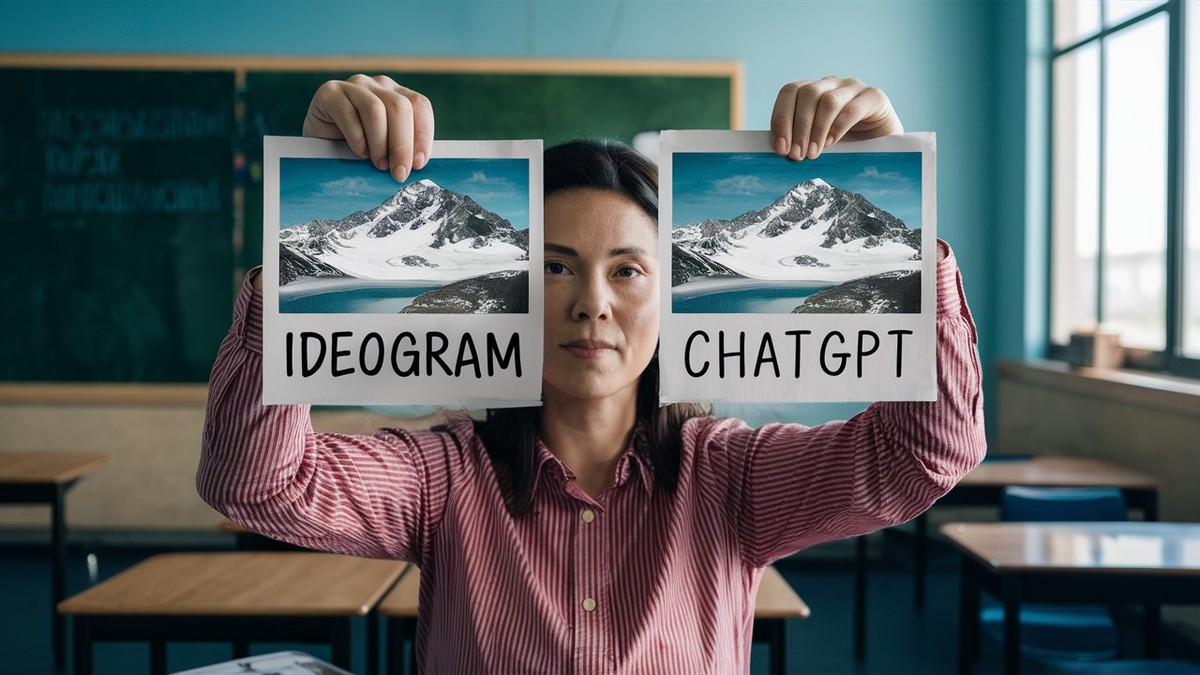
Every day a new AI Image generator is appearing and they are becoming more and more difficult to tell apart from real photos. I think we all know what the dangers of this technology can be, but there is also many ways that AI image generators can be used in the classroom. From making displays to visualise student's descriptive writing, it's important to know which one gives the best performance whilst still being free. In this post, let's investigate a few of the free options.
How do AI image generators work?
Understanding AI Image Generators
AI image generators like DALL-E use advanced machine learning to create images from text descriptions. They rely on deep understanding derived from large amounts of data to make this possible.
The Role of Training Data
These AI models are trained with extensive datasets containing millions of images paired with their corresponding descriptions. This training phase allows the AI to learn the relationships between words and the visual elements they describe. By recognising patterns in how objects and scenes are described, the AI prepares to generate images that accurately reflect given text inputs.
How AI Creates Images from Text
When you input a description into the AI, it analyses the text to identify key elements that need to be included in the image. The AI then constructs the image piece by piece, adjusting details to ensure they align with the described scene. This iterative process results in a visually coherent and detailed image that captures the essence of the text, effectively transforming words into a visual narrative.
Visualising Setting Descriptions
In this little test, let's take a look at a way in which I, a British Primary School Teacher, use AI in the classroom. To demonstrate how effective a student's setting description is, I like to upload their descriptions into a text to image generator to visualise what they have written. I always explain to my students that the picture in their head when they write will be different to the picture in the reader's mind. Therefore, they need to be a specific and detailed in their descriptions as possible to make that image in their head as similar to the readers. They are shocked when AI image generators create completely different images and is the perfect way to show the power of figurative language.
Comparing Images
Let's take a short setting description based on some Sci-Fi writing we completed in Year 5, run it through some image generators and see what results are the best.
As the spaceship’s door creaked open, the astronauts peered out onto Planet X. Blanketed beneath a mist as thick as a woolly jumper, the landscape whispered secrets through the rustling leaves of its jewel-toned forests. Towering mountains, like silent giants, stood watch over the glittering lakes that sparkled like diamonds under the twin suns. Beyond the lush greenery, near the horizon, a waterfall roared powerfully, its water cascading down like liquid silver. Above them, the sky was painted in swirls of purple and fiery orange, welcoming its visitors with a symphony of colors and sounds. Here, every rock and every breath of wind seemed to hum with the mystery of the unknown.
Image Generations
ChatGPT 4o
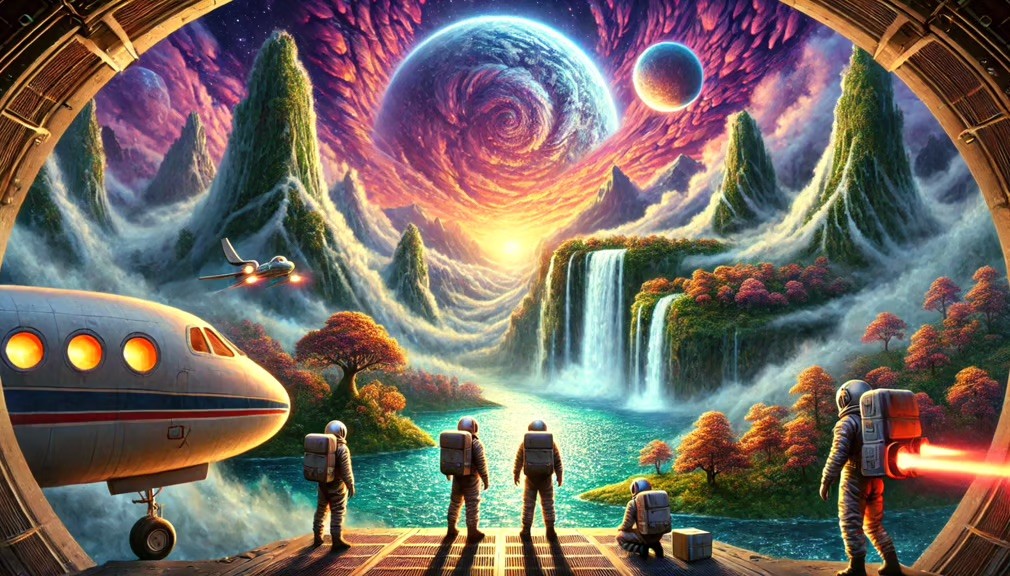
Ideogram
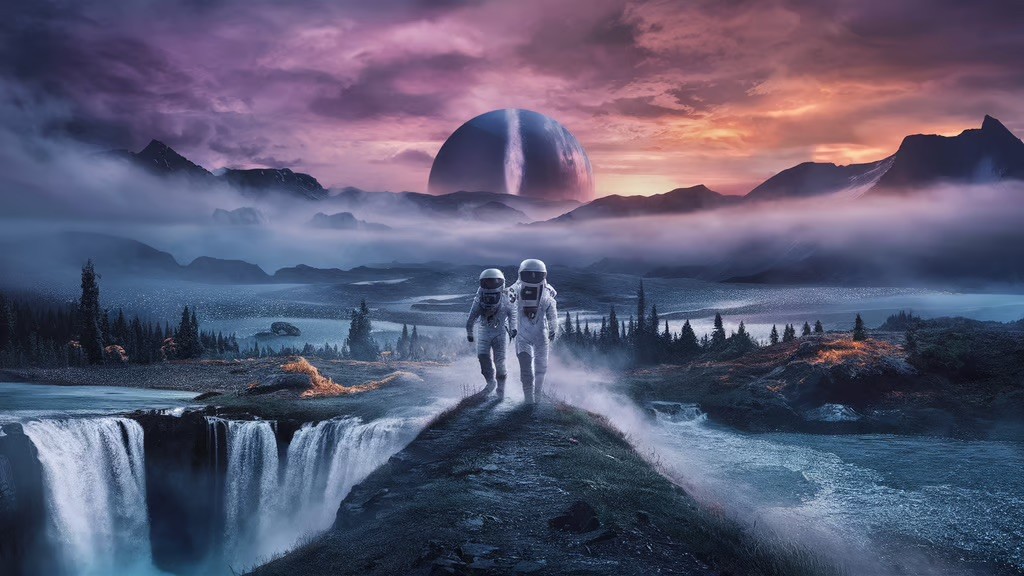
Adobe Firefly
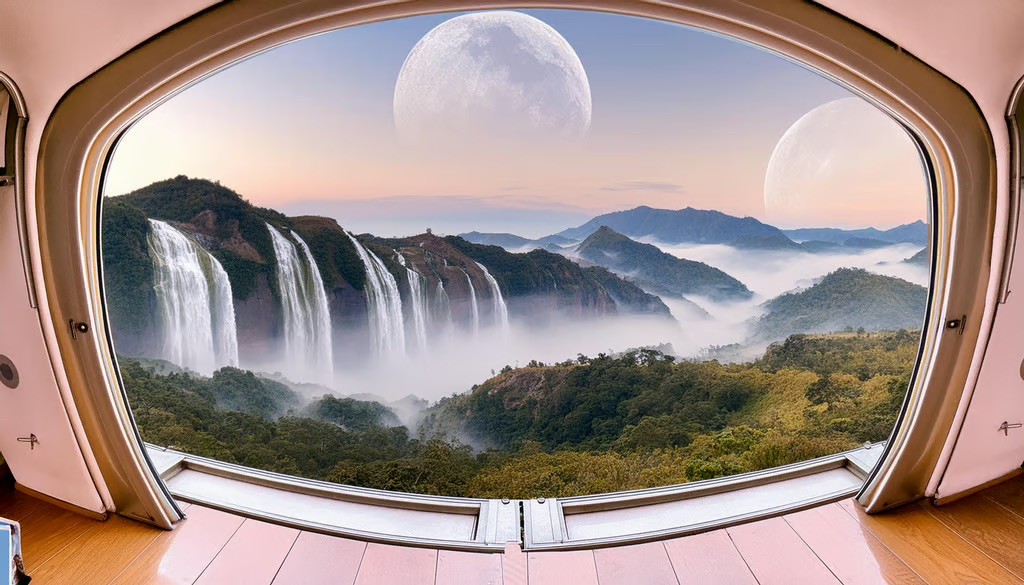
DeepAI
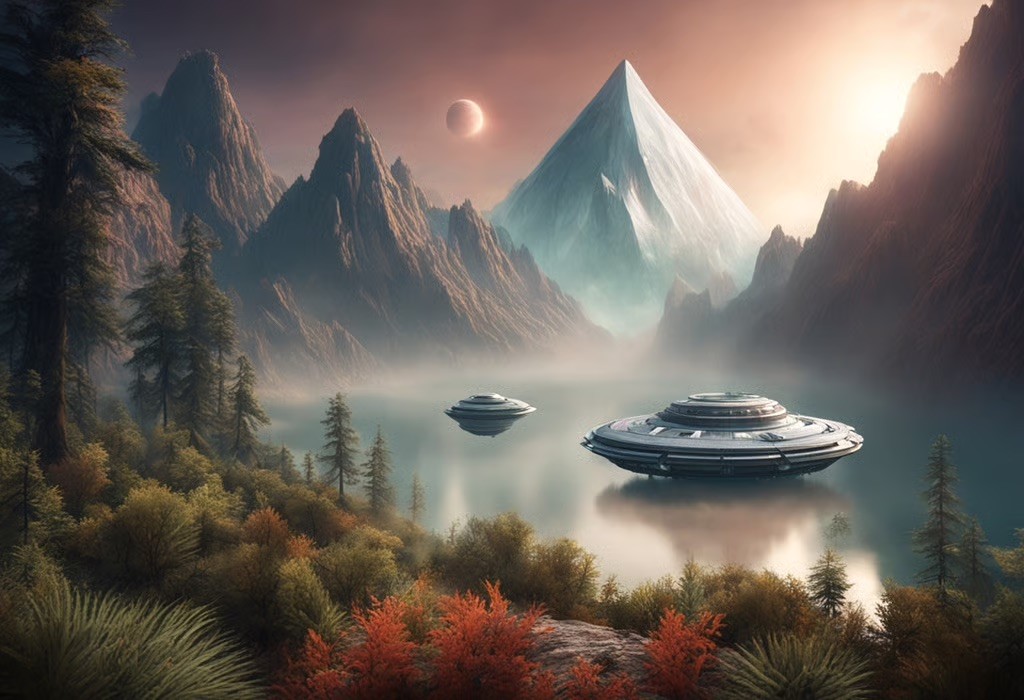
Deep Dream Generator
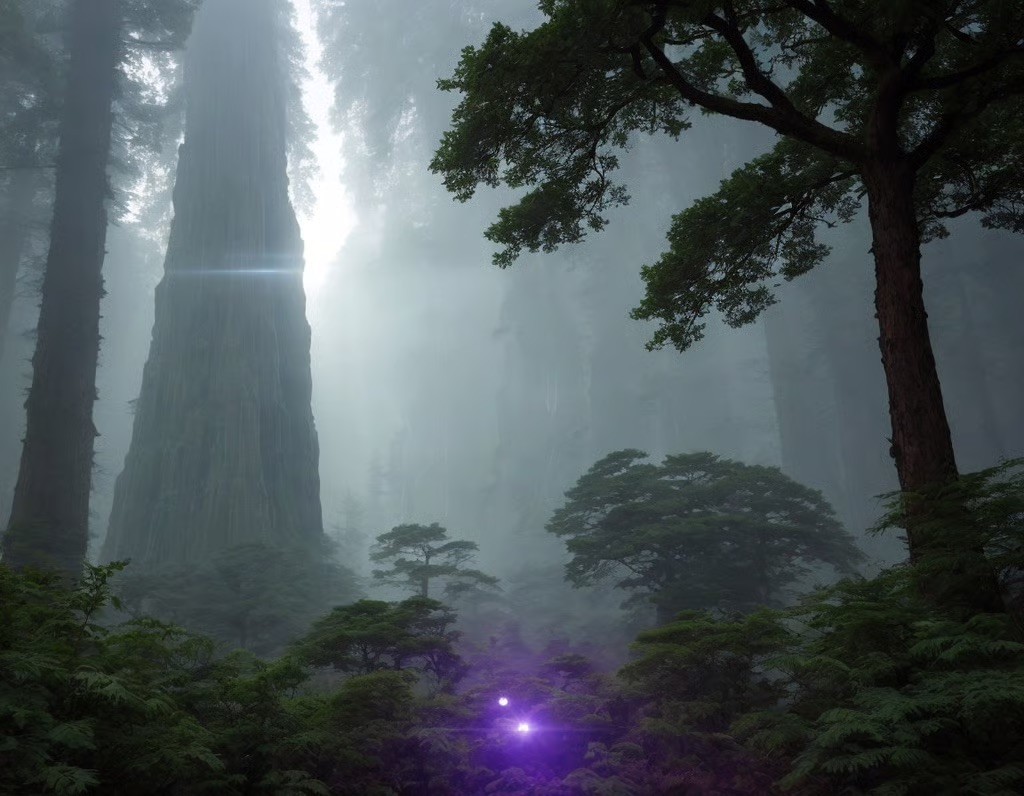
Craiyon
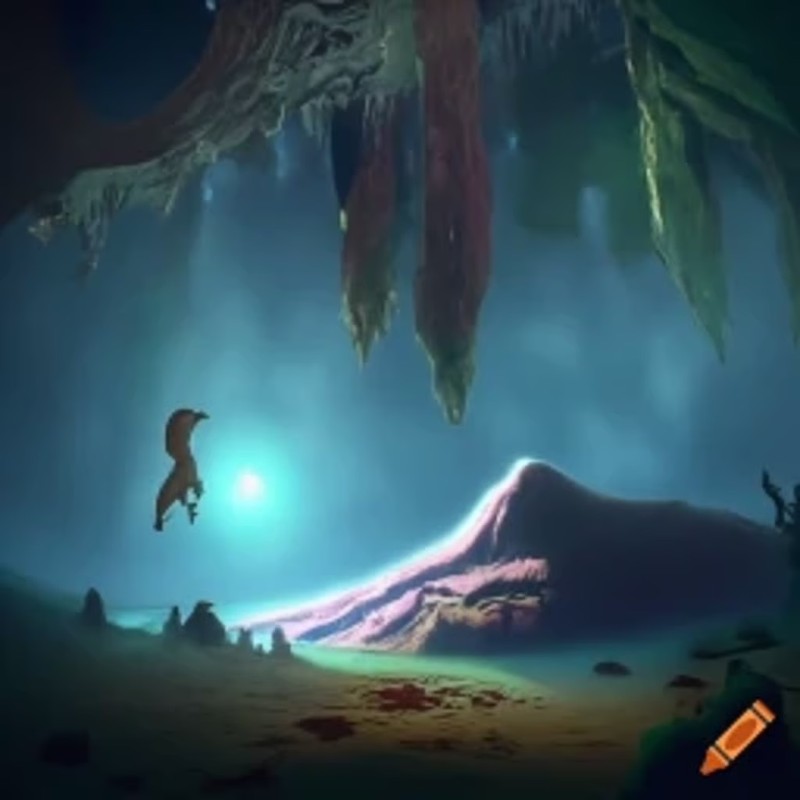
Conclusion
For me, there are only 2 options which really stand out from the others. Ideogram and ChatGPT 4o. In terms of versatility, reliability and also their ability to add text into the images my vote would have to go to Ideogram. It is so impressive and continues to blow my student's minds when they accurately depict what was in their writing.